One recording, five outputs. How to turn a podcast transcript into chapters, a web article, video captions, and short clips for social media.
Read the article → 3 min read · 14.11.2026Students, instructors, and companies: In just a few minutes, you can turn a recorded lecture or webinar into study material, subtitles, or an article.
About 100 languages, including smaller ones · recordings are deleted automatically after transcription
A lecture or webinar in text form is easier to study, browse, and share. Instead of replaying the recording over and over, you can find exactly what you need.
For longer lectures recorded in parts, you can merge them into a single transcript with consecutive timestamps using paid plans.
Transcribe a lecture for free →
You can quickly create chapters from a transcript with timestamps so viewers can find a specific topic. You’ll find instructions in the article How to Add Chapters to a YouTube Video.
You’ll get the most accurate transcript from a recording made with the speaker’s microphone or directly from the webinar recording. A recording made with a cell phone from the back of the room tends to be less clear.
Yes, speech recognition supports many languages. With paid plans, you can also have the transcript translated, for example, into Slovak or English.
A single file can be up to 2 GB, which is enough even for lectures lasting several hours.
You can try the first 10 minutes without registering; with a free account, you get 60 minutes a day. For longer and more frequent lectures, there’s an unlimited subscription.
For video creators worldwide — from transcription and subtitles to translation.
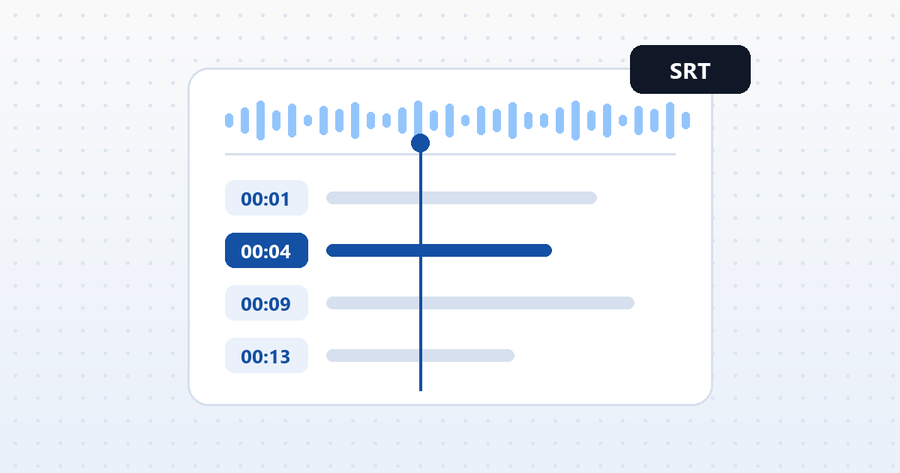
Every sentence has a timestamp synced to the speech — ready for subtitles and YouTube chapters.
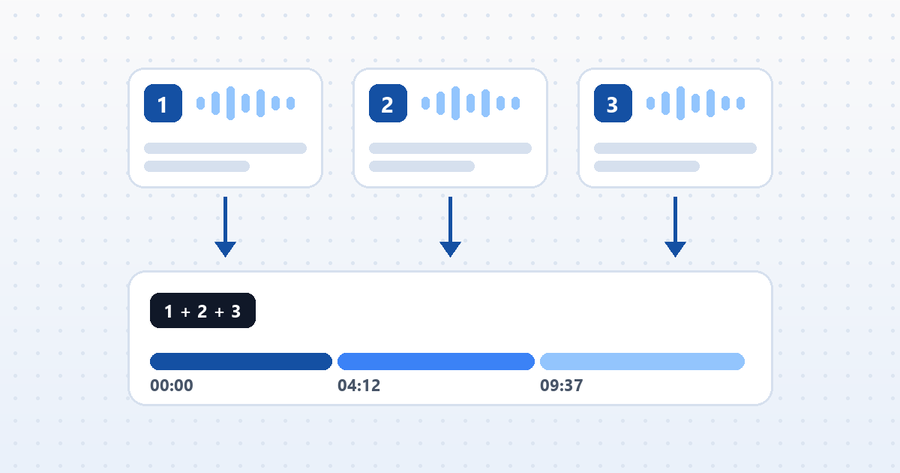
Upload several voiceover parts and the timing flows on as in the finished video. Typical services can't do this.
Accurate transcription in major world languages and in those big services treat as an afterthought, such as Slovak or Czech. Subtitle translation included in paid plans.
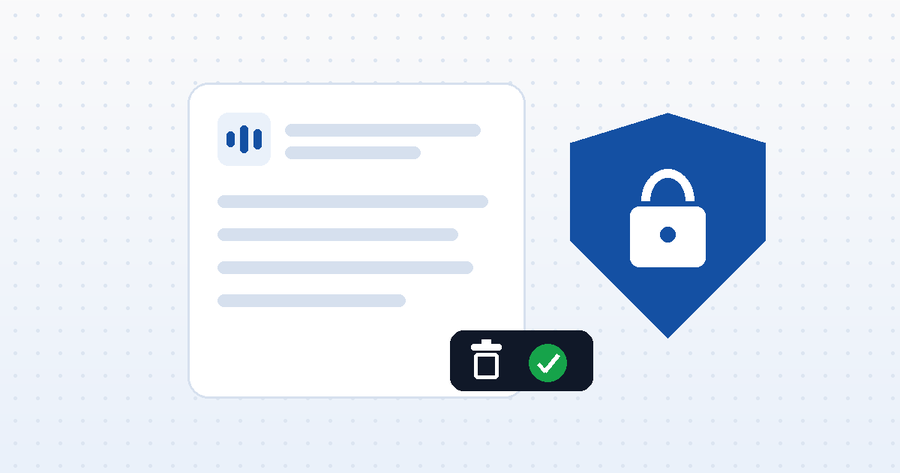
Recordings are deleted automatically after transcription. No sharing with third parties.
Episode to text with timestamps — chapters, article and subtitles from one recording.
→
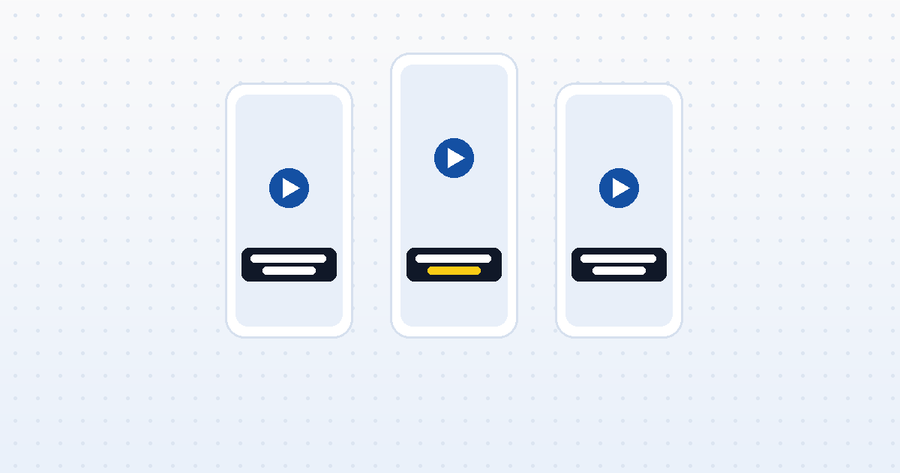
Subtitles for short videos that people watch without sound.
→
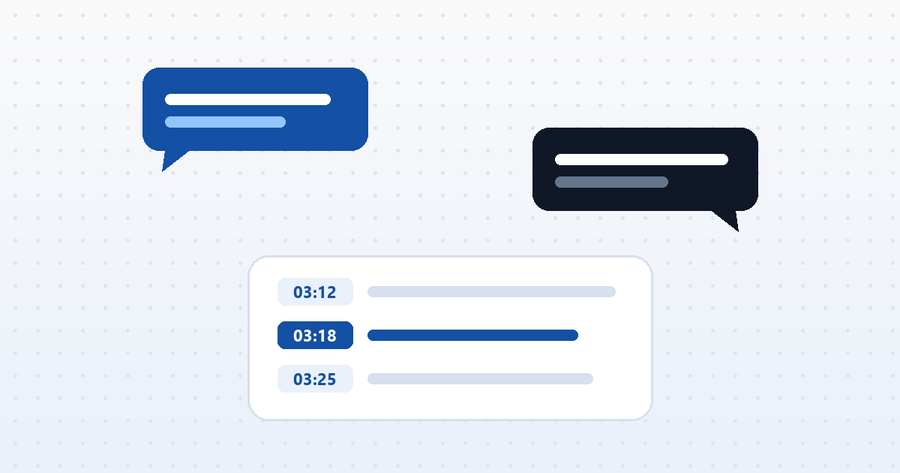
Your interview as text in minutes — find quotes by timestamp.
→
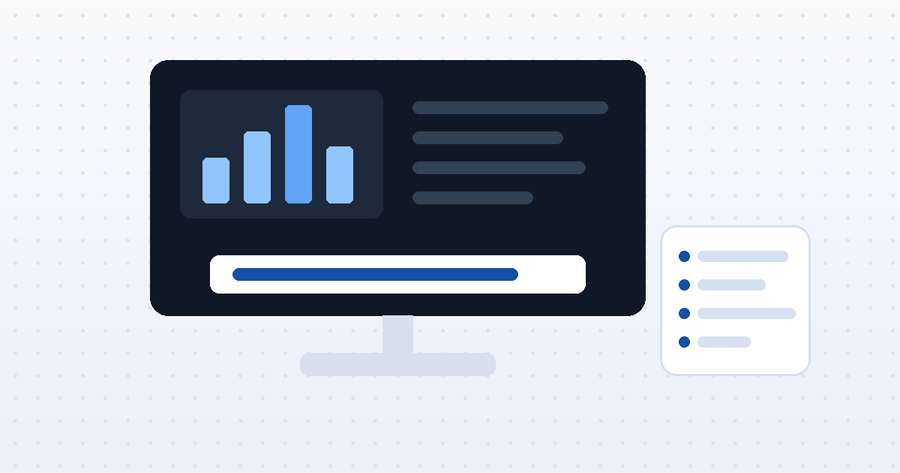
A lecture or webinar as study notes, subtitles or an article.
→
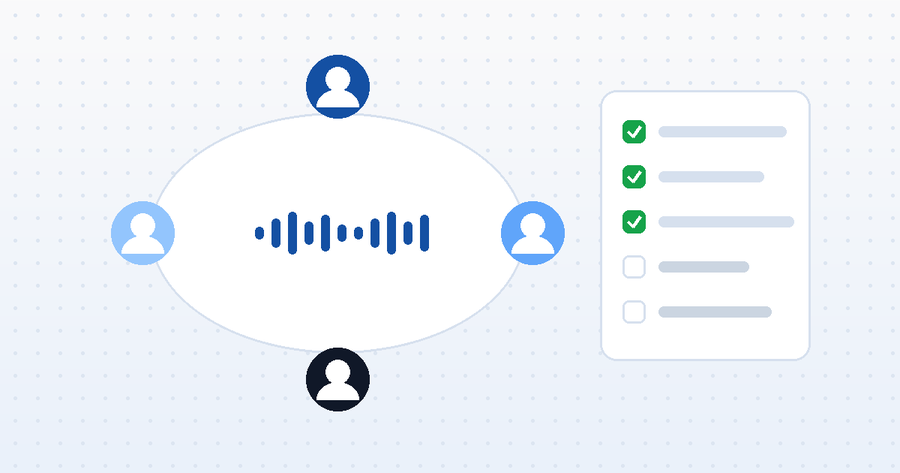
Meeting minutes without typing during the meeting.
→
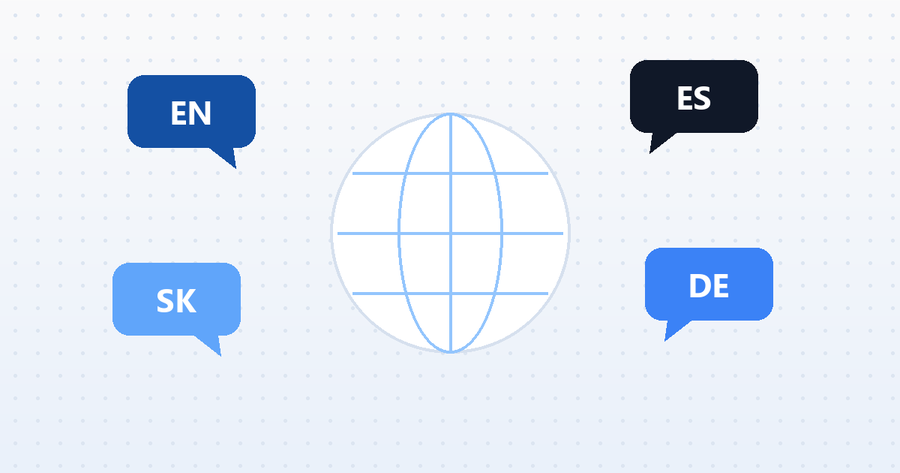
Transcription in about 100 languages and subtitle translation.
→
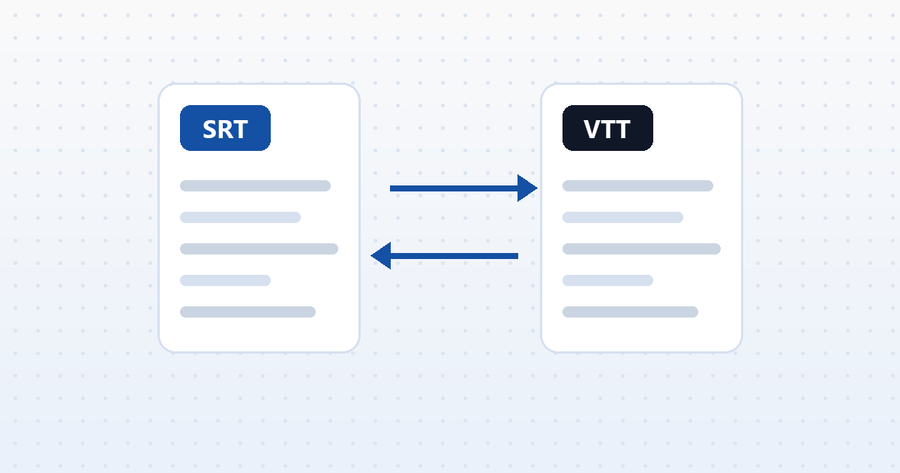
Convert subtitles between SRT and VTT in a second, for free.
→
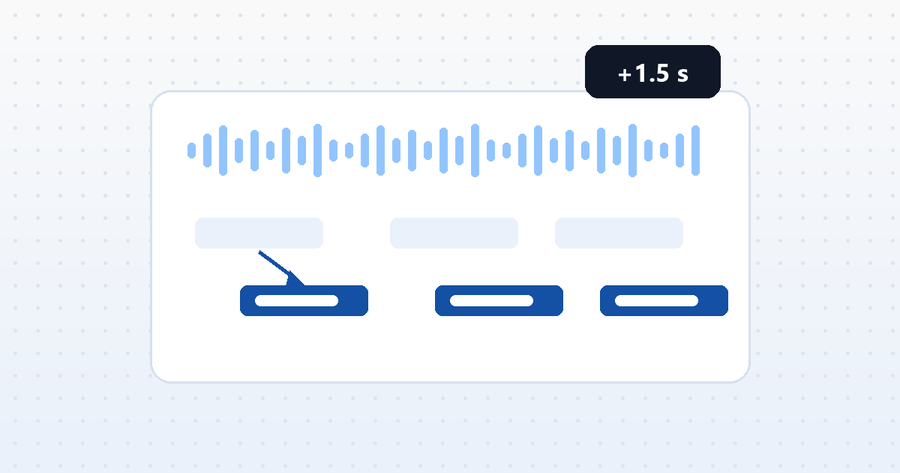
Subtitles too early or too late? Shift them by a few seconds.
→
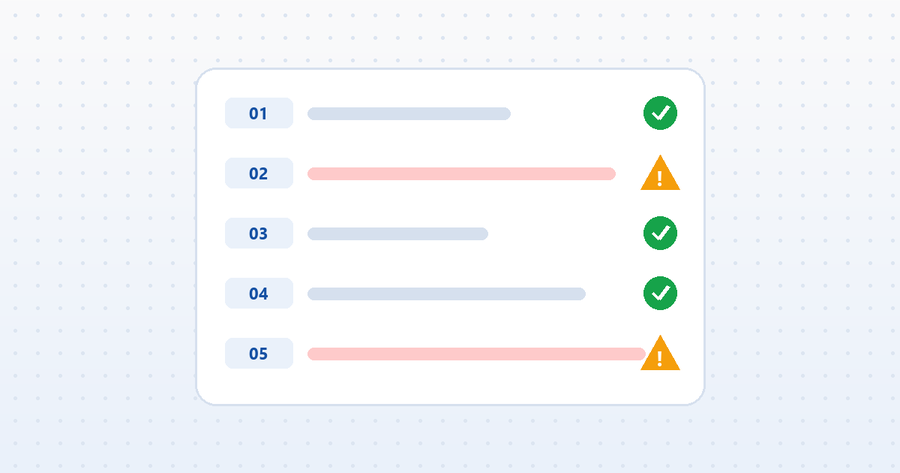
Finds subtitles that are too long, too fast or overlapping.
→
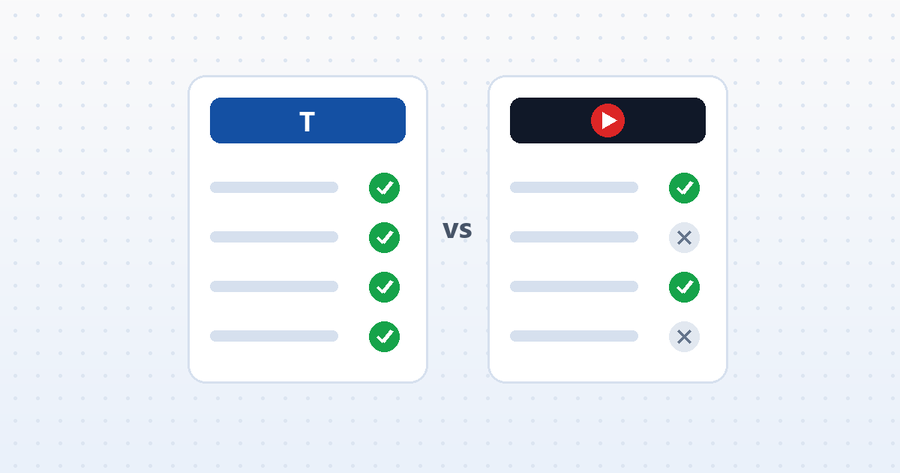
When YouTube's automatic captions are enough and when to use Titulko.
→Considering other options too? See the comparison: transcription without a subscription · transcription for independent creators
“Subtitles for a 20-minute video are ready before my coffee is. I used to type them by hand all evening. Merging voiceover parts is exactly what I was missing everywhere else.”
“Finally a service that doesn't confuse Slovak with Czech. I use podcast interview transcripts with barely any edits, I just fine-tune the guests' names.”
“We make subtitles for client videos in both Slovak and Czech. The credit model without a subscription suits us — we pay only when we have jobs.”
Only paying customers can leave a rating — no anonymous or bought reviews.
A simple choice — try it free, subscribe for no limits, or buy one-off credit.
Swipe the table to compare all plans →
|
Free
0 €
free forever
|
Try it out
60 min credit
4.90 €
one-off · valid 1 month
|
Best value
Subscription
18 €/mo
or €99/year — save 54 %
|
15 h credit
30 €
one-off · valid 2 months
|
|
| Transcription | 10 minone-time | 60 minutes | unlimited* | 15 hours |
|---|---|---|---|---|
| AI model accuracy | standard | highest | highest | highest |
| Processing | queued | priority | priority | priority |
| Download formats | TXT, SRT, VTT | + DOCX, PDF | + DOCX, PDF | + DOCX, PDF |
| Section timestamp grouping | ✕ | ✓ | ✓ | ✓ |
| Custom dictionary of names and terms | ✕ | ✓ | ✓ | ✓ |
| Merge multiple recordings | ✕ | ✓ | ✓ | ✓ |
| Import from YouTube and links | ✕ | ✓ | ✓ | ✓ |
| Subtitles burned into video | ✕ | ✓ 1.5× credit | ✓ up to 5 h/month | ✓ 1.5× credit |
| Translation to English | ✕ | ✓ | ✓ | ✓ |
| DeepL translation (DE, PL…) | ✕ | ✓ 3× credit | from credit, 3× | ✓ 3× credit |
| Try it | Buy credit | Subscribe | Buy credit |
* Fair use: one account = one person (see Terms and Conditions). Prices include VAT. Cancel anytime; the subscription stays active until the end of the paid period.
Tips for video creators — subtitles, chapters, reach.
One recording, five outputs. How to turn a podcast transcript into chapters, a web article, video captions, and short clips for social media.
Read the article → 3 min read · 14.11.2026
Which platforms support SRT files, which ones require embedded subtitles, and step-by-step instructions for YouTube, Facebook, LinkedIn, Vimeo, Instagram, and TikTok.
Read the article → 3 min read · 13.11.2026
From uploading a video to a finished SRT file: how to create subtitles for a video in Slovak and Czech in just a few minutes, and what to watch out for.
Read the article → 4 min read · 12.11.2026If you don't find the answer here, write to us.
We use a top-tier speech recognition model for about 100 languages — accurate in major world languages as well as smaller ones such as Slovak or Czech. With good audio, accuracy is comparable to manual transcription — you only make small corrections for technical terms and names.
The recording is used solely for transcription and is deleted automatically right after. We don't keep it, don't share it with third parties, and don't use it to train models.
You can try transcription for free for 10 minutes, no payment card needed. For more, there's a cheap one-off 60-minute credit, a bigger credit package, or the unlimited subscription.
Purchased credit (the 15-hour credit package) is valid for 2 months from purchase — we'll send a reminder by e-mail before it expires. A subscription works differently: it doesn't use credit, you transcribe without limits until you cancel (DeepL translation is drawn from credit even with a subscription).
Yes — you upload all the parts at once and, besides the transcript of each part, you also get a merged transcript in which the timing flows on exactly as in the edited video. The feature is included in the paid packages.
Common audio and video: mp3, wav, m4a, flac, ogg, mp4, mkv, mov and more — we automatically use the audio track from video. A single file can be up to 2 GB; the number of transcription minutes depends on your credits.